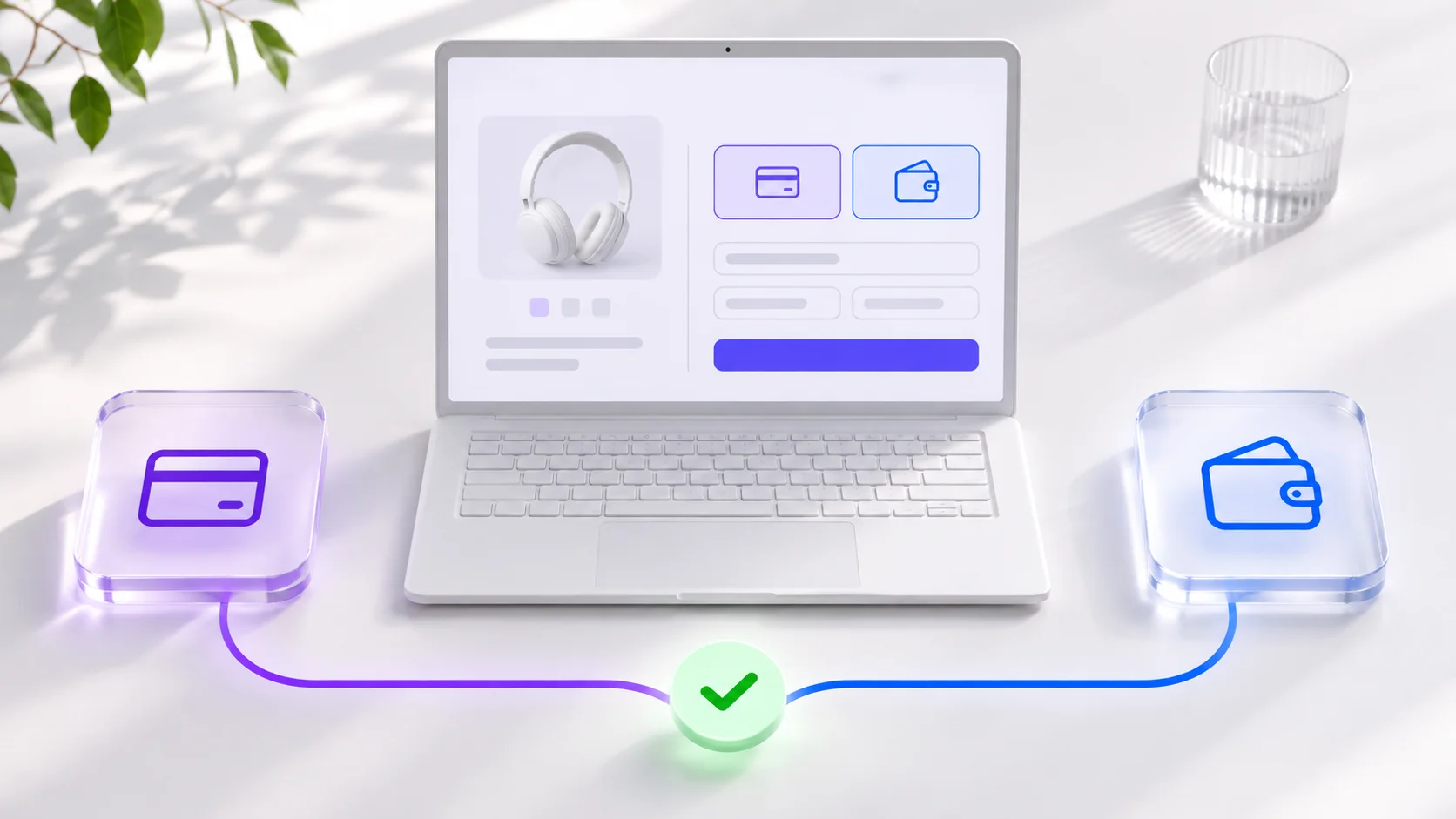
Say you sell a €75 desk lamp. A customer clicks Pay, sees the charge in their banking app, and closes the tab. Five minutes later, they message you: “I’ve been charged. Did my order go through?” You open your dashboard and see “Awaiting payment.”
That’s one of the first things I test on a store. Adding a Stripe or PayPal button is the easy part. What matters is what the customer sees after clicking it and whether you can ship the lamp if they never return to your site.
One €75 lamp, two ways to pay
With Stripe Checkout, the customer goes to a ready-made payment page. They see the total, enter their card details or choose an available wallet, and confirm the payment. You don’t have to design your own card form.
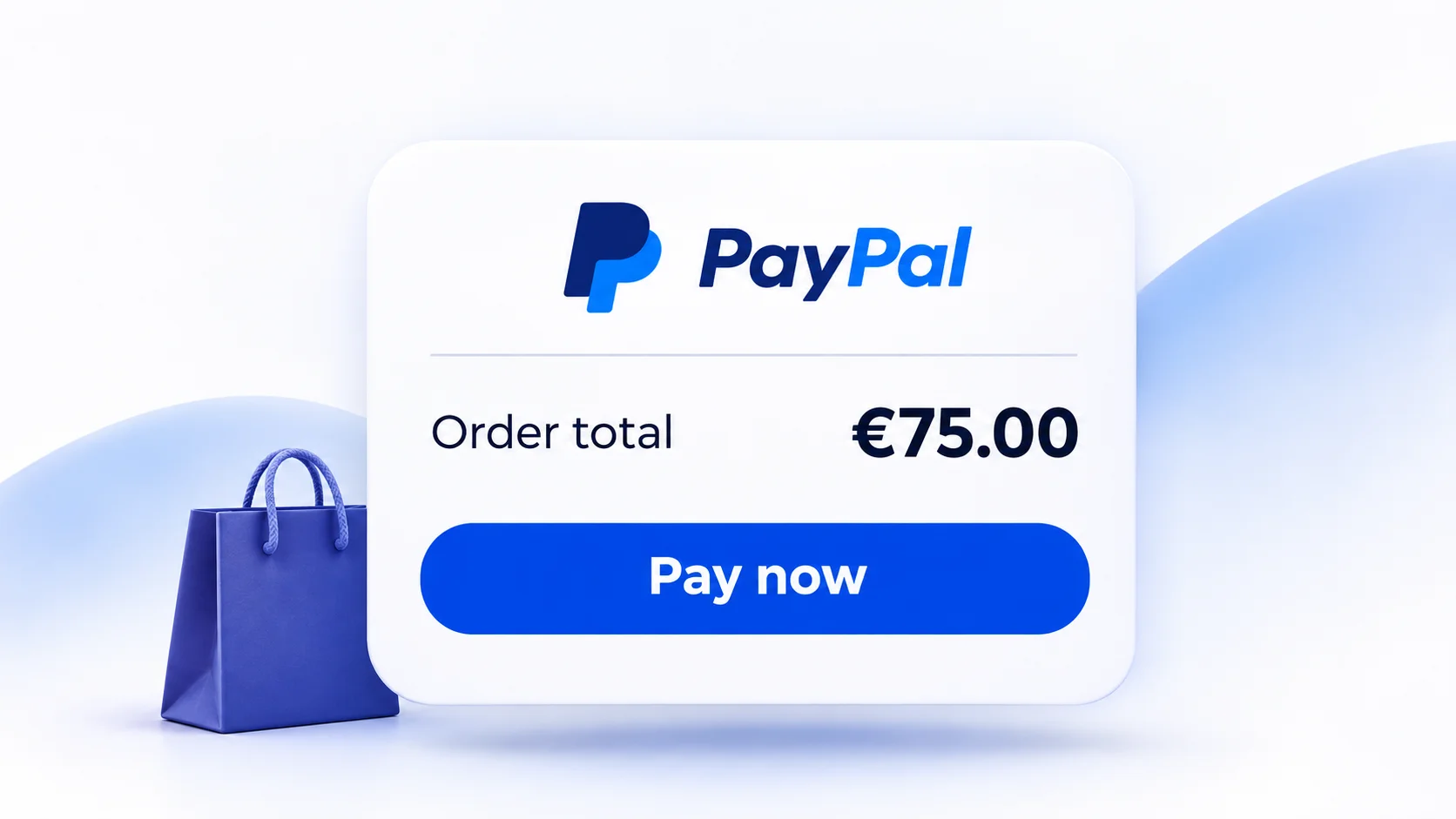
With PayPal, the customer clicks a familiar button in the cart. If they’ve already saved a payment method and shipping address, they can review those details without typing them again. PayPal offers guest card payments in some cases, so I wouldn’t promise that option to every shopper.
One small detail can throw people off. If customers still need to return to your site to finalize the order, the button should tell them. Someone who clicks “Pay” expects to have paid.
The money shows up in the dashboard. Can you ship?
Back to the lamp. The customer has closed the tab and your warehouse is waiting. Stripe sends the payment result directly to your store’s server. If the payment is still processing, the order waits for confirmation.
With PayPal, the customer first approves the payment. Your server then asks PayPal to collect it, a step called capture. Mark the order as paid once PayPal confirms the capture.
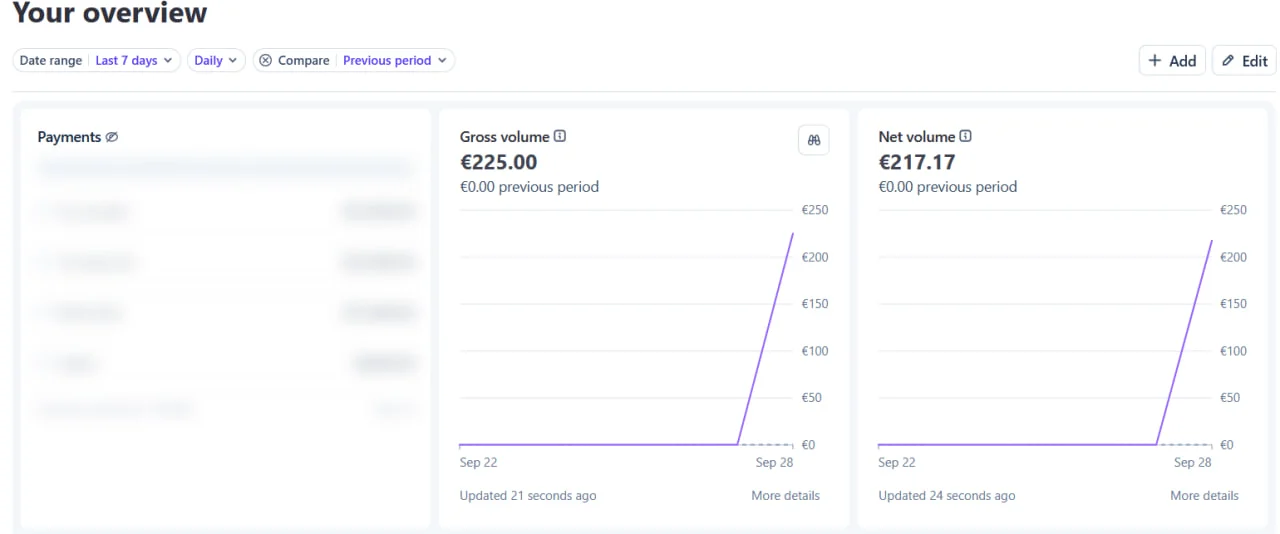
Before going live, I close the tab as soon as I pay. If the store still marks the order as paid and sends one confirmation email, that scenario passes.

Does your store need both?
I’d start with Stripe Checkout if you want a ready-made card form and Stripe is available to your business. Add PayPal if customers already ask for it or prefer paying with their wallet. Before you integrate either service, check that a merchant account in your business’s country can accept commercial payments.
Compare costs using a real order. How much of that same €75 do you keep if the buyer is overseas or the payment requires currency conversion? That’s a more useful comparison than the headline rate.
What I test on Laravel and older sites
On Laravel, Cashier handles much of the Stripe Checkout and subscription work. With PayPal, the JavaScript SDK powers the button while the server creates and captures the order through the Orders API. On an older site with several language versions, I’d share one payment handler so I only have to fix a payment bug once.
- The customer pays and closes the tab. The store confirms the order.
- The payment is pending or declined. The warehouse waits.
- The provider sends the same notification twice. The customer gets one email and one shipment.
Once one provider passes these three checks, see how it works on real orders. Add a second when it gives customers a way to pay they’re missing.
Comments (0)
No comments yet. Be the first!